SCREENSHOTS
See It in Action
Click to enlarge
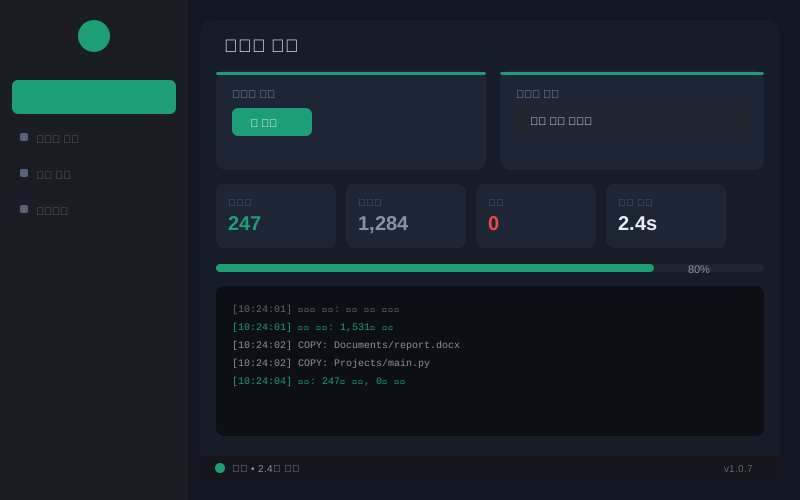
Sync
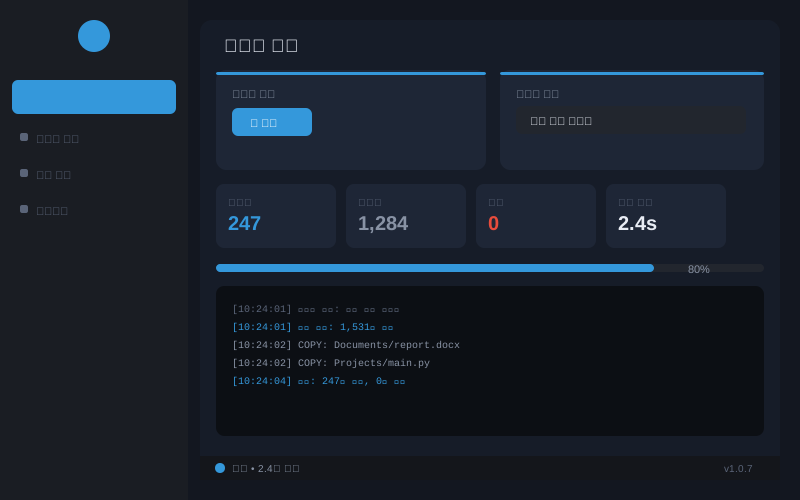
Profiles
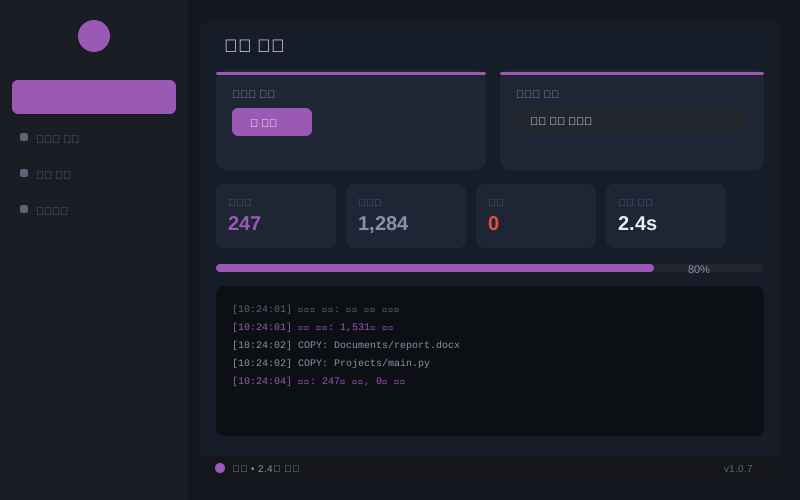
Filters
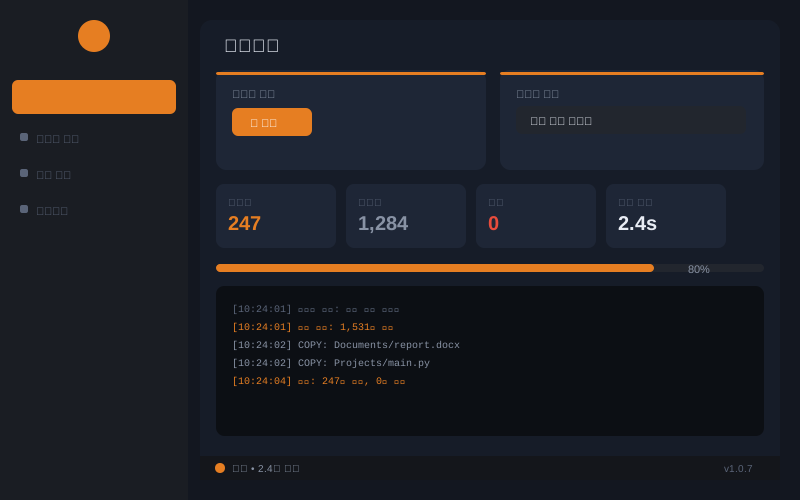
Scheduler
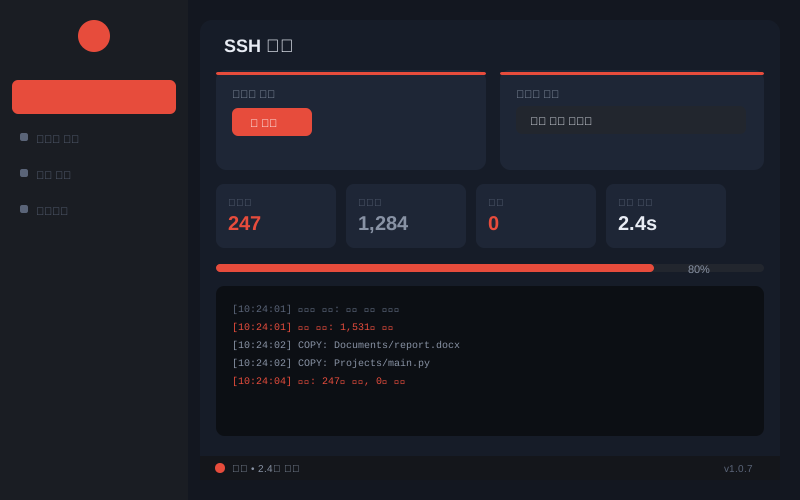
SSH
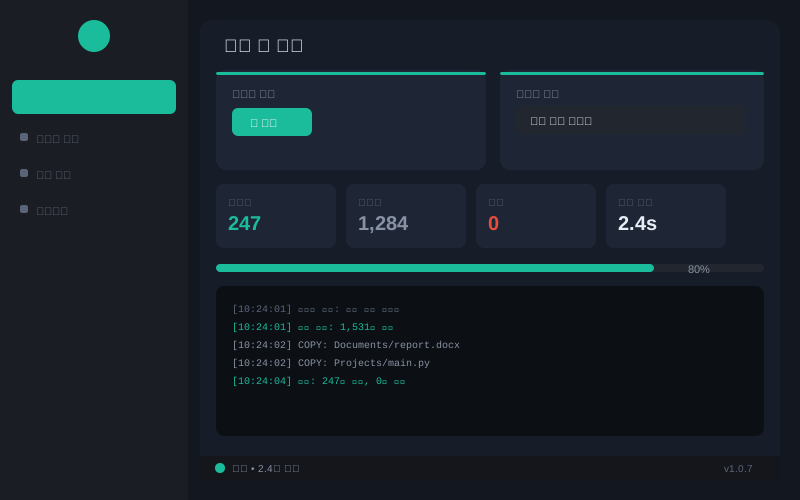
Logs & History
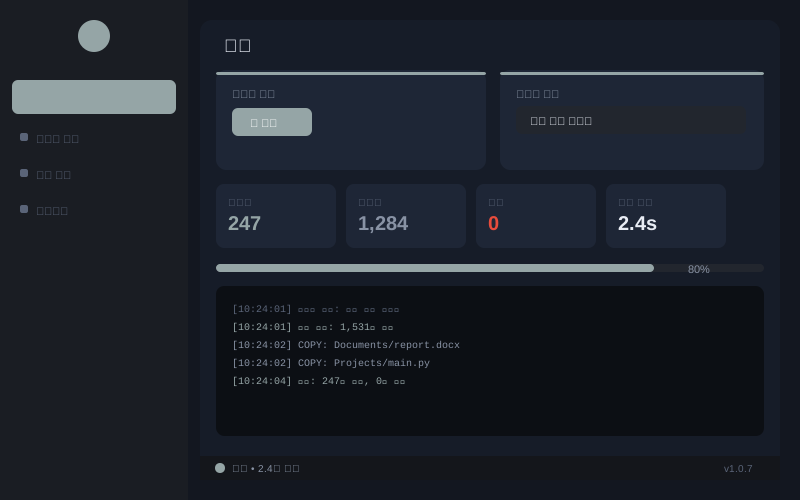
Settings
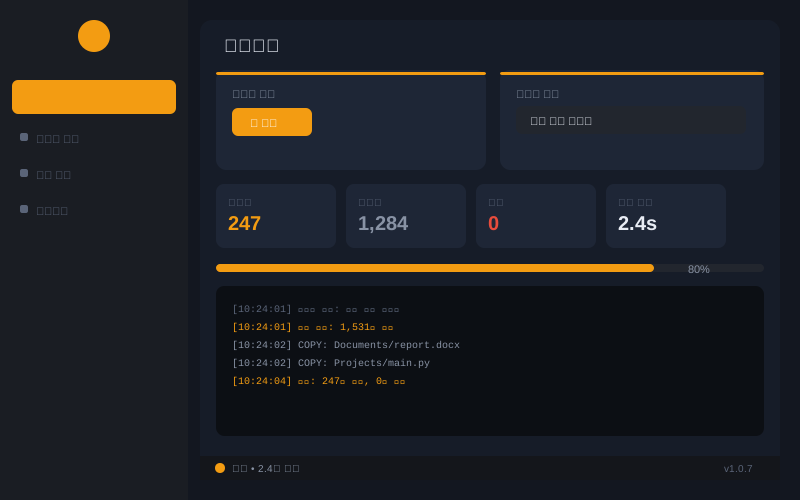
Preview
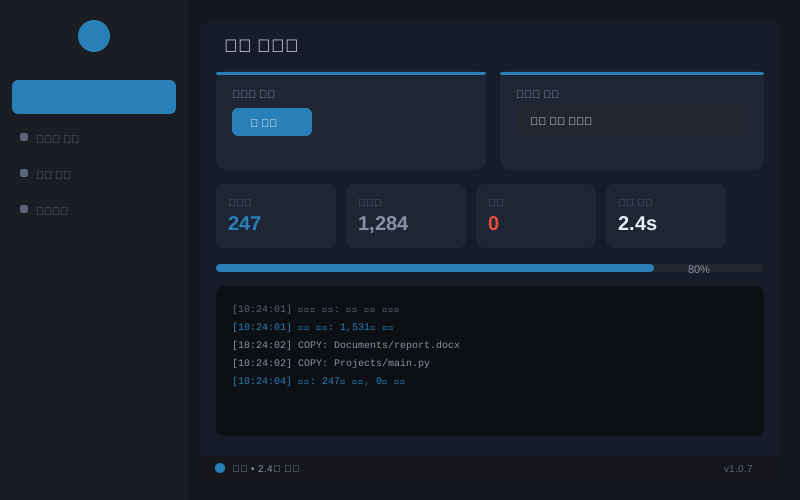
Wizard
Local · SSH · FTP · Cloud multi-target backup.
Safe transfer, versioning, notifications, real-time watch — all included.
Completely free file sync for Windows.
Not just file copy. Enterprise-grade backup features, completely free.
One-way, Two-way, Mirror, Update, Version Backup — pick the right mode
Scan once, sync to local + SSH + FTP + cloud simultaneously
Interval, fixed time, or instant on file change — preview next run time
Filter by extension, folder, size, date. 4 presets. Preview changes before sync
Live copy/skip/error/speed/ETA dashboard. Shows MB/s transfer speed
Intuitive desktop GUI and full CLI. Supports scripting, automation, headless use
Snapshot-based bidirectional sync. Automatic conflict resolution policy
Transfer only changed blocks (rsync-style). Fast updates for large files
Newer wins / Source first / Target first / Keep both / Ask user
Quick (size+time) or SHA256 checksum comparison — your choice
8-step guided wizard — easy setup even for first-time users
Per-profile or global speed limit. Minimize network impact
Temp file → size verify → SHA256 → atomic rename. Files never corrupt mid-transfer
Auto-archive before overwrite or delete. Configure retention days and size limit
Block or warn when N% of files would be deleted. Prevent accidental mass delete
Auto-retry on network error (up to 3 times). Exponential backoff delay
NEW v1.0.7
Auto-kills running app, silently removes old version, prevents Defender quarantine, auto-registers SmartScreen trust — one-click install with zero popups
Settings saved via tmp→rename + auto .bak backup. Safe even if app crashes
v1.0.7 supports a wide range of remote targets
Browse remote directories in GUI, click to set target path
NEW v1.0.7
JSON 파일로 프로필 백업. 다른 PC에서 즉시 복원. AES 암호화 옵션
NEW v1.0.7
Gmail·Naver·기업 SMTP 지원. HTML 서식 포함. 테스트 발송 버튼 내장
NEW v1.0.7
Gmail, Naver, corporate SMTP. HTML-formatted email. Built-in test button
NEW v1.0.7
Slack Block Kit · Discord Embed · Custom JSON. 조건별 발송 설정
NEW v1.0.7
Slack, Discord, Custom JSON webhooks
Right-click tray icon → pick profile → instant sync. No window needed
NEW v1.0.7
Ctrl+1~9 페이지 이동, F5 새로고침, Ctrl+S 저장
NEW v1.0.7
Ctrl+1–9, F5, Ctrl+S, Ctrl+N
One-click Windows startup registration. Supports minimize-to-tray on launch
SQLite execution history. Filter by date/profile. Export logs (txt/csv/json)
Click to enlarge
✅ Smart Installer: Auto-kills running app · silently removes old version · auto-registers firewall rules · prevents Defender quarantine — no popups during installation.
⚠ First Run Only: First installation may show a SmartScreen warning (no code-signing cert). Click 'More info' → 'Run anyway'. Subsequent installs and updates will not show this warning.
Continuously improving through regular updates
Enter your installed version to compare against the latest
This only happens on the first install. Click 'More info' then 'Run anyway'. After install, the installer automatically registers SmartScreen trust, Defender exclusions, and firewall rules — so reinstalls and updates won't show this warning.
Completely free — no ads, no subscription, no feature limits. You can support development via donation, but it's entirely optional.
Absolutely. Local drive sync works great on its own. SSH, FTP, and cloud targets can be added whenever needed.
Choose from: newer wins, source first, target first, keep both, or ask per file. The 'ask' mode shows a dialog for each conflict.
Yes. AWS S3 works after pip install boto3. Google Drive, OneDrive, and 30+ clouds work via Rclone. FTP/FTPS and WebDAV work out of the box.
Yes, just run the installer. It automatically terminates any running HSyncPro process before proceeding — no 'please close the app' popup will appear.
Yes. Settings in %AppData%\HSyncPro are preserved on upgrade. The installer automatically kills the running app before overwriting — no manual close needed. We also recommend backing up via Profile Export.